Assessment Builder
Create structured assessments.
Create assessments, automatically score objective questions, evaluate descriptive responses with AI assistance, and run live quizzes in a browser-based CBT environment.
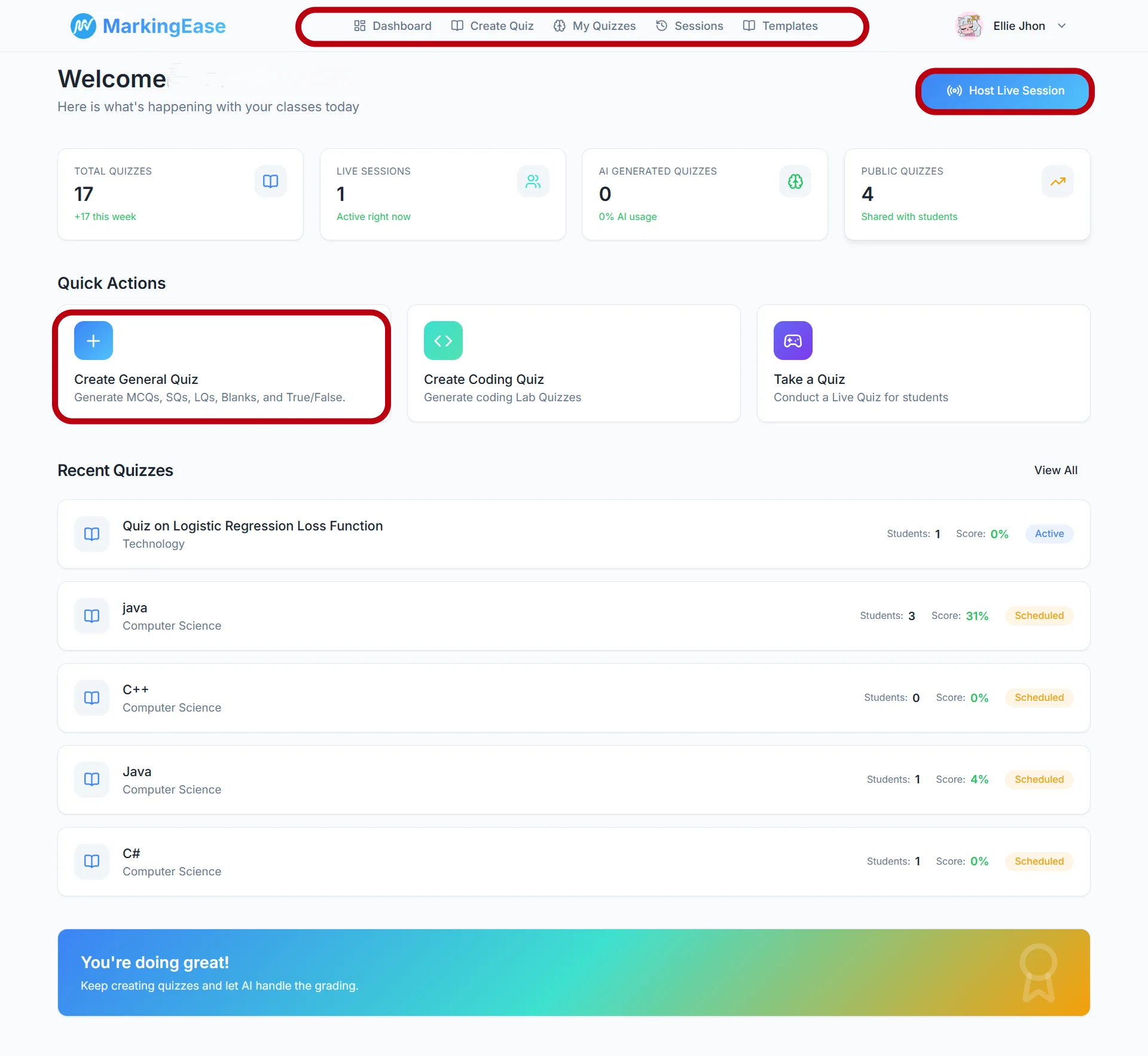
From assessment creation to reviewed results — one controlled workflow.
Build assessments and rubrics from your teaching material.
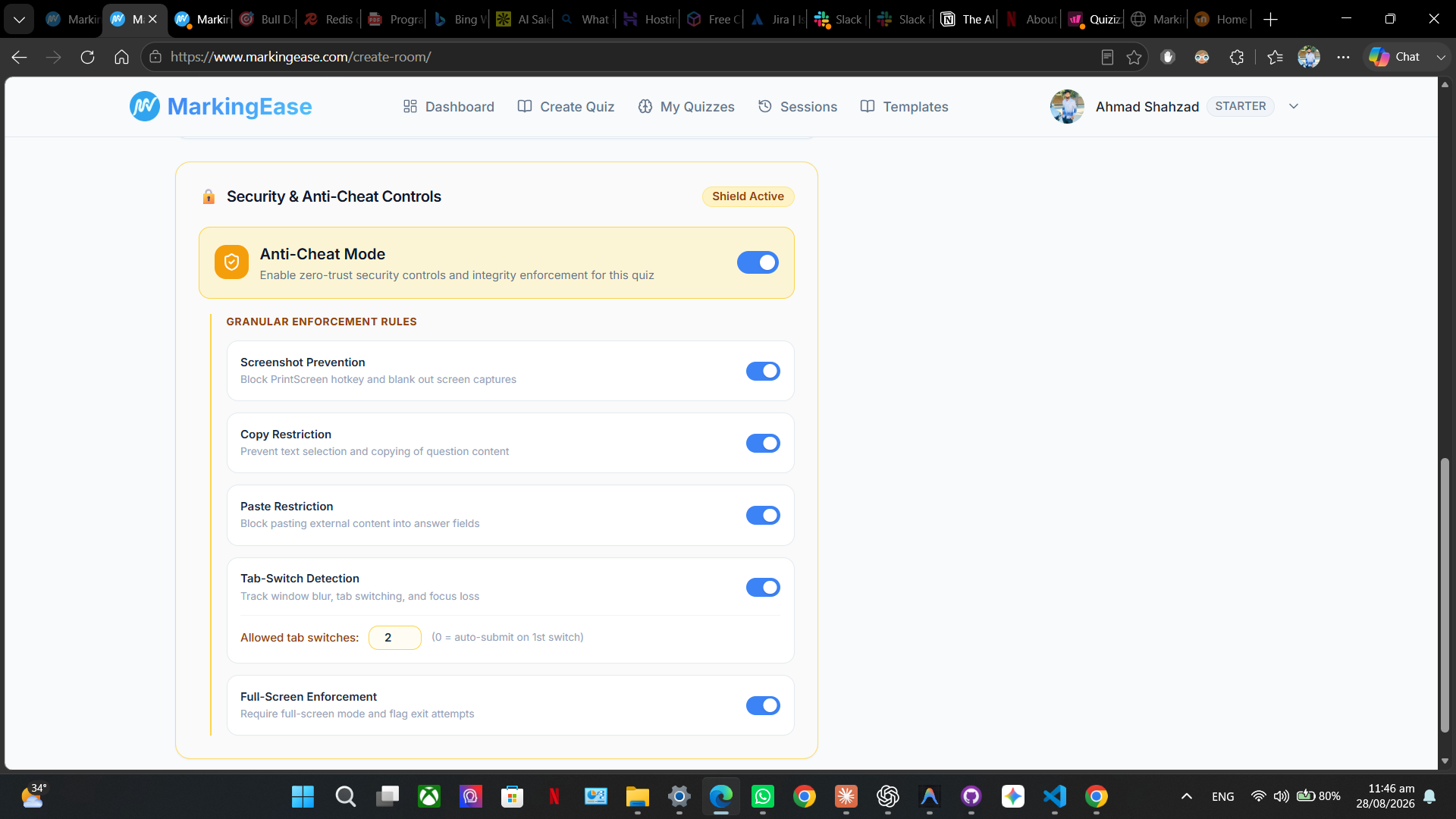
Deliver assessments with browser-based integrity controls.
AI evaluates descriptive responses against question-specific rubrics.
Teacher reviews and approves scores before publishing.
Explore results and class performance in one place.
PLATFORM OVERVIEW
Create, evaluate, protect and understand assessments without stitching together disconnected tools.
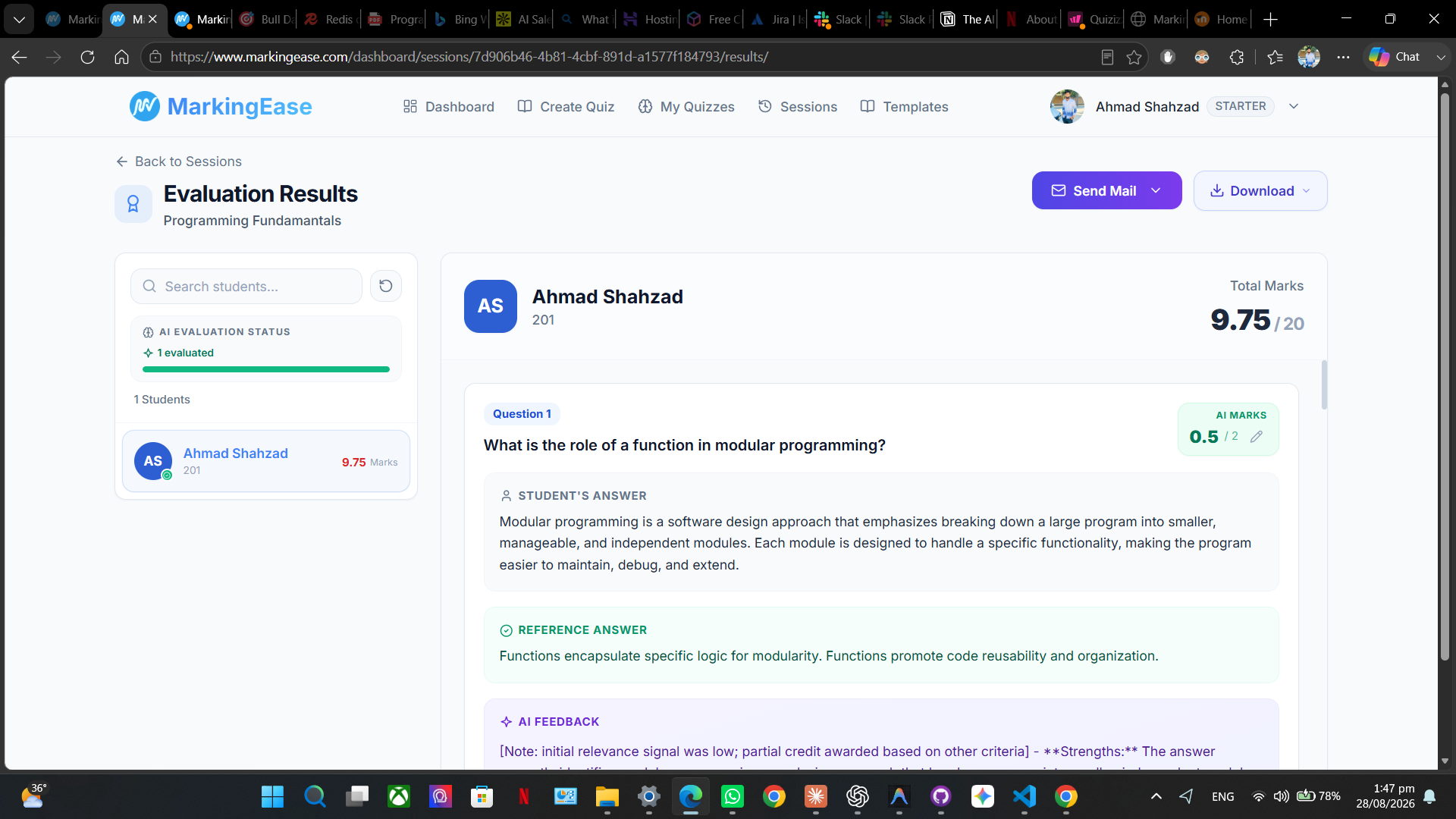
Evaluate descriptive responses using structured, rubric-based AI assistance while keeping educators in control of the final grade.
Assess responses against criteria defined for each question.
Review AI-assisted marks and evaluation reasoning before publishing.
Adjust and approve every final score whenever academic judgment is required.
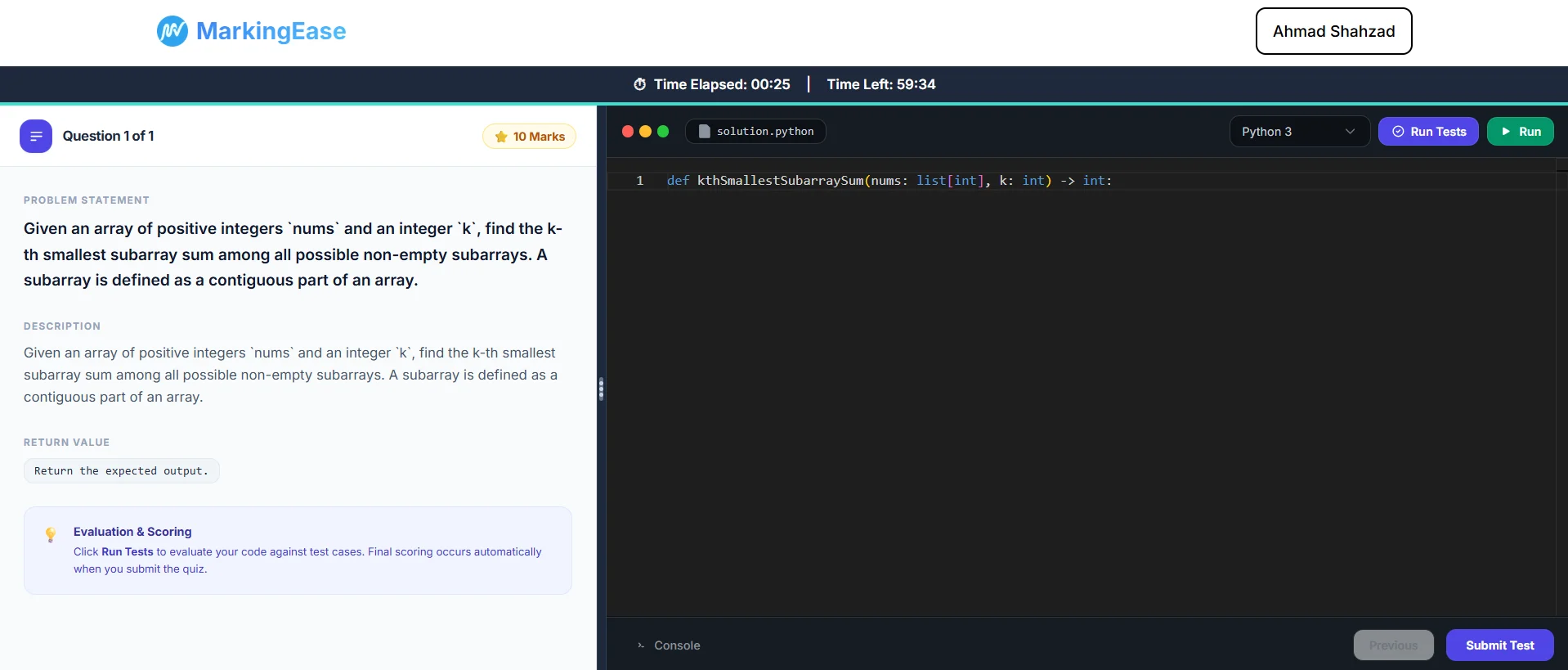
Give students a real coding environment and evaluate submissions through execution, test cases and reviewable scoring.
Students solve coding questions directly inside the assessment environment.
Run submissions against defined test cases to verify program behavior.
Use execution results as part of a reviewable, teacher-controlled grading workflow.
Choose a walkthrough to see the complete teacher and student workflow.
Built for real assessment workflows.
Reduce time spent on quiz preparation and draft feedback while keeping control over final marks.
Payments & billing handled by Lemon Squeezy.
For teachers getting started.
For regular classroom assessments.
For higher-volume assessment workflows.
For institutions with custom requirements.